

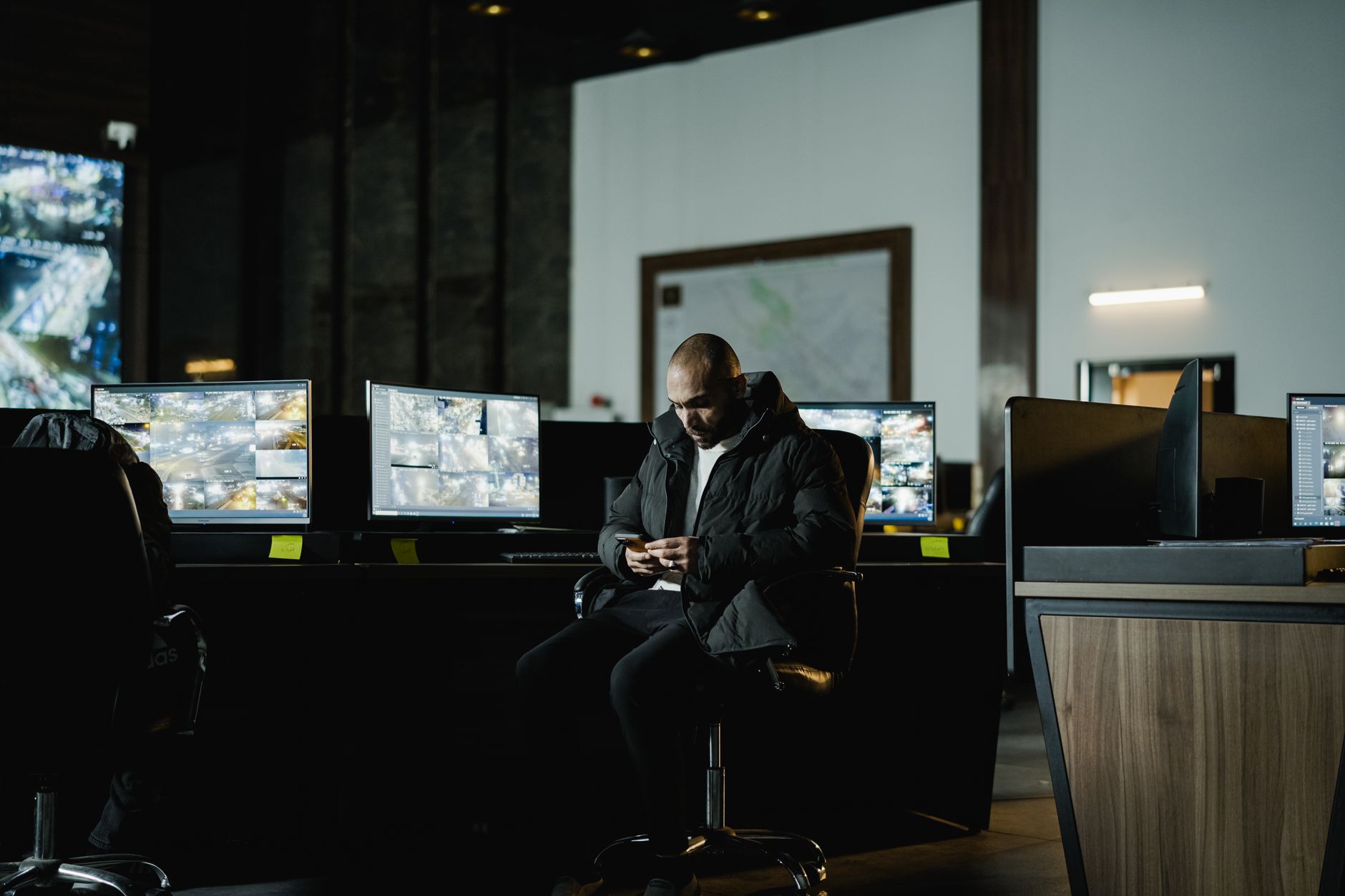
Remote video monitoring for businesses is a service where trained agents at an off-site monitoring center watch your security cameras in real time and respond to threats as they happen, typically for $150 to $500 per month per site depending on camera count and hours covered. Unlike recorded footage you review after a break-in, remote video monitoring for businesses catches trespassers, theft, and vandalism while they are occurring — agents can trigger live audio warnings, alert police, and dispatch guards within seconds.
This page answers every question a business owner asks before signing up: how the technology works, what it costs, when it beats on-site guards, and how to choose a provider you can trust. It is the depth version — with the numbers and process specifics the big-brand pages leave out.
How does remote video monitoring for businesses work?
Remote video monitoring for businesses works by connecting your on-site cameras to a monitoring center where either AI analytics or live operators watch the feeds and act on suspicious activity. Here is the sequence most services follow:
The typical alert-to-response flow
1. Detection. Smart cameras with motion or object-detection analytics flag activity — a person crossing a fence line after hours, a vehicle idling in a loading dock.
2. Verification. A live agent pulls up the feed and confirms whether the event is a real threat or a false alarm (a raccoon, a shadow, an employee).
3. Intervention. For a confirmed threat, the agent issues a live voice-down warning through on-site speakers: “You are being recorded. Police have been notified.” Many intruders leave immediately.
4. Escalation. If the person stays, the agent dispatches law enforcement and provides a live description, cutting response time.
The Security Industry Association notes that verified video alarms receive higher police-response priority than traditional unverified alarms, which reduces the false-dispatch fines many cities now charge. That verification step is the core value: it turns passive cameras into an active deterrent.
How much does remote video monitoring cost for a business?
Remote video monitoring for businesses typically costs between $150 and $500 per month per location, though pricing varies widely by scope. The main cost drivers are camera count, monitored hours, and whether you need live agents or AI-only screening.
Typical pricing tiers
- AI event monitoring (no live agent): $50–$150/month. Analytics flag events and send alerts to you.
- After-hours live monitoring (nights/weekends): $150–$350/month. Agents watch during your highest-risk windows.
- 24/7 live agent monitoring: $300–$500+/month per site.
- Guard tour / scheduled virtual patrols: $75–$200/month added on.
Equipment is a separate cost. Cameras run $150–$600 each installed, and many providers now offer $0-down financing so you spread hardware over the monitoring term. Compare that to on-site guards, which the U.S. Bureau of Labor Statistics puts at a median wage of roughly $17/hour — about $3,000+ per month for a single overnight post. Remote monitoring covers the same window for a fraction of the cost.
What is included in a business video monitoring service?
A complete remote video monitoring service includes the cameras, the monitoring-center coverage, and a defined response protocol. When you evaluate a quote, confirm all three are spelled out.
What a full package should cover
- Camera hardware and installation — hardwired cameras are more reliable than wireless for commercial sites.
- Analytics — object detection that distinguishes people and vehicles from animals and weather to cut false alarms.
- Live agent coverage — the specific hours human operators watch your feeds.
- Audio talk-down — on-site speakers agents use to warn intruders.
- Escalation protocol — a written list of who gets called, in what order.
- Cloud recording and retention — usually 30 to 90 days of stored footage.
- Reporting — activity logs and incident clips you can pull for insurance or law enforcement.
Ask whether monitoring is done in-house or outsourced to a third-party wholesale center. In-house monitoring generally means faster, more accountable response — a detail the national brands rarely disclose upfront.
Why do competitors like ADT, Vivint, and Ring rank for this?
Big national brands like ADT, Vivint, and Ring rank for remote video monitoring for businesses because of massive ad budgets and brand recognition — not because they offer the best local commercial response. That distinction matters more than most search results suggest.
Where the national brands fall short for businesses
- Residential focus. Ring and Vivint are built primarily for homes. Their “business” offerings are scaled-down consumer products, not commercial-grade hardwired systems.
- Long contracts. Several national providers lock you into 36- to 60-month agreements. That inflexibility becomes expensive if your needs change.
- Outsourced, distant monitoring. A national center handling thousands of accounts has no knowledge of your neighborhood, your local police response, or your site.
A local commercial security provider knows the area, installs commercial-grade cameras, and offers month-to-month flexibility. For a warehouse, office, dealership, or construction yard, that local knowledge and hardwired reliability outperform a mass-market brand every time. The brand you recognize from TV is optimized for advertising reach — not for stopping a break-in at your loading dock at 2 a.m.
When does a business actually need remote video monitoring?
A business needs remote video monitoring when it has valuable assets exposed during unstaffed hours and cannot justify the cost of on-site guards. Not every business needs it — and honest providers will tell you so.
You likely need it if:
- You store high-value inventory, equipment, or vehicles outdoors or in a warehouse.
- Your site sits vacant nights, weekends, or holidays.
- You have experienced theft, trespassing, or vandalism before.
- You run a construction site, auto lot, storage facility, or industrial yard.
You may not need it if:
- Your business is fully staffed during all operating hours and locked down tight otherwise.
- A recorded-only camera system plus a monitored intrusion alarm already covers your risk.
For many small offices, a monitored burglar alarm plus recorded cameras is enough, and live monitoring is an unnecessary expense. The right answer depends on what you are protecting and when it is exposed. A reputable provider assesses your actual risk before recommending the tier — rather than upselling everyone to 24/7 live coverage.
How is remote video monitoring different from a recorded camera system?
Remote video monitoring is proactive; a recorded camera system is reactive. This is the single most important distinction, and it determines whether cameras prevent crime or just document it.
Recorded-only cameras
Recorded cameras capture footage to a DVR/NVR or the cloud. If a break-in happens, you review the video afterward and hand it to police. The crime already occurred — you are collecting evidence, not stopping loss.
Remotely monitored cameras
With remote video monitoring for businesses, a live agent sees the event as it unfolds and intervenes. The FBI’s crime data consistently shows commercial burglaries cluster during unoccupied hours, which is exactly the window live monitoring covers. The talk-down warning stops many intrusions before any loss occurs.
The cost gap is real — monitored service adds a monthly fee — but so is the outcome gap. If your goal is preventing loss rather than filing an insurance claim after it, monitoring is the difference-maker. Many businesses run a hybrid: recorded coverage everywhere, live monitoring on the highest-risk zones and hours.
How do you choose a remote video monitoring provider?
Choose a provider by verifying monitoring location, contract flexibility, hardware quality, and local response — in that order. Use this checklist before you sign.
Questions to ask every provider
1. Is monitoring in-house or outsourced? In-house centers are more accountable.
2. What are the contract terms? Month-to-month or no-contract options protect you if needs change.
3. Are cameras hardwired or wireless? Hardwired is more reliable for commercial sites.
4. What is the average verified-alarm response time? Ask for a number.
5. Do you know my local police dispatch process? Local providers do.
6. Is financing available? $0-down spreads hardware cost.
Read independent reviews and confirm licensing for your state. Louisiana, for example, licenses alarm and monitoring companies through the state — verify credentials before committing. A provider that answers all six questions clearly and puts response times in writing is one you can trust with your building. If you can request a free security assessment, do it before choosing a tier — a good assessment saves money by right-sizing the system.
Who provides remote video monitoring for businesses in Louisiana and Texas?
Electronic Protection Systems provides remote video monitoring for businesses across Lafayette and greater Louisiana, plus the Houston, Texas area, with 24/7 professional monitoring, hardwired commercial camera installation, month-to-month contracts, and $0-down financing. As a local provider, it installs commercial-grade systems and offers no-contract flexibility rather than the long-term agreements common with national brands.
What local commercial coverage looks like
- 24/7 professional monitoring with live-agent response.
- Hardwired camera installation built for warehouses, offices, and yards.
- Month-to-month and no-contract options.
- $0-down financing on equipment.
- System takeover service if you already have cameras from another provider.
Because coverage is regional rather than nationwide, response is grounded in local police procedures and local site knowledge. For businesses in Lafayette, Houston, and the surrounding areas that want commercial-grade monitoring without a five-year lock-in, a local specialist covers the same threats the big brands advertise — at commercial reliability and with far more flexibility. Start with a risk assessment, confirm the six checklist questions above, and match the monitoring tier to your actual exposure.