

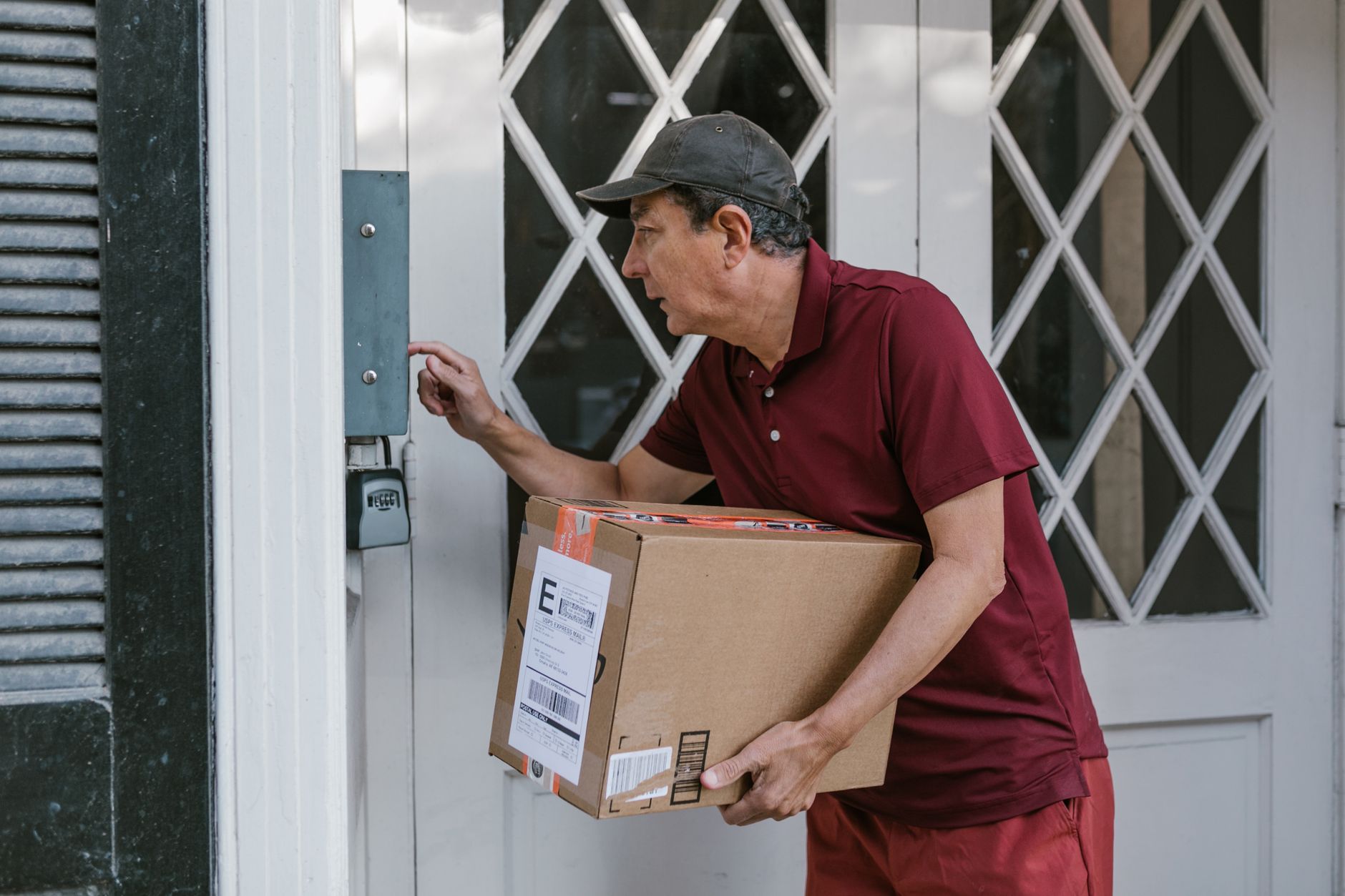
A video doorbell is a camera-equipped doorbell that lets you see, hear, and speak to anyone at your front door from your smartphone — whether you’re home, at work, or across the country. Most models cost $60 to $350 for the device, with professional installation adding $100 to $200 and optional cloud recording running $3 to $15 per month. This guide explains how a video doorbell works, what it costs, how it wires in, and how to choose one that actually fits your home in 2026.
What is a video doorbell and how does it work?
A video doorbell is a small internet-connected camera built into (or replacing) a traditional doorbell. When someone presses the button — or simply walks within range — the device sends a live alert to your phone, tablet, or smart display. You can watch high-definition video, hear audio, and talk back through a two-way speaker.
Under the hood, three things make it work: a wide-angle camera (often 150 to 180 degrees), a motion sensor, and a Wi-Fi or hardwired data connection that streams footage to an app or cloud account. Most units capture 1080p or 2K video, and higher-end models add color night vision, package detection, and facial recognition.
The practical benefit is visibility. You know who’s at the door before you open it, you get a recorded clip of every visitor, and you can tell a delivery driver where to leave a package without getting up. For a deeper primer on how connected home devices communicate, the FTC’s guidance on IoT security is a useful starting point.
How much does a video doorbell cost?
A video doorbell typically costs $60 to $350 for the hardware, depending on resolution, field of view, and whether it’s battery or hardwired. Here’s how the numbers break down.
Device pricing tiers
- Entry level ($60–$120): 1080p video, basic motion alerts, battery powered. Good for renters.
- Mid-range ($130–$220): 2K video, package detection, person/vehicle filtering, hardwired or battery.
- Premium ($230–$350): 4K or head-to-toe view, radar motion, color night vision, local storage.
Ongoing and installation costs
- Cloud recording: $3 to $15 per month. Without a plan, many devices only show live video, not saved clips.
- Professional installation: $100 to $200, which covers wiring, transformer checks, and app setup.
- Transformer upgrade: $50 to $150 if your existing doorbell chime can’t supply enough power.
Budget realistically: a mid-range video doorbell professionally installed with a one-year cloud plan lands around $350 to $450 all in. Buying a bundle with a full security system often lowers the per-device cost.
Do you need a hardwired or battery video doorbell?
It depends on your home’s existing wiring and how often you want to recharge a battery. Both types record the same quality video; the difference is power and reliability.
Hardwired video doorbell
If your home already has a doorbell with two low-voltage wires and a 16–24V transformer, a hardwired video doorbell is the better long-term choice. It never needs charging, stays online continuously, and can trigger your existing indoor chime. This is the setup most security professionals recommend because it eliminates the biggest complaint about battery units — missed events while the battery is dead.
Battery-powered video doorbell
Battery models are ideal for renters, homes with no existing doorbell wiring, or doors far from a power source. The trade-off: you’ll recharge every one to six months, and to conserve power the camera sometimes “wakes up” a half-second late, occasionally missing a fast-moving visitor.
If you own your home and already have doorbell wiring, go hardwired. If drilling and wiring aren’t options, a battery video doorbell still delivers strong value.
What features actually matter in a video doorbell?
The features that matter most are reliable motion detection, two-way audio, local or cloud recording, and night vision — everything else is secondary. Don’t overpay for specs you won’t use.
Features worth paying for
- Person and package detection: Filters out passing cars and swaying branches so you only get alerts that matter.
- Two-way talk: Lets you answer the door from anywhere.
- Color night vision: Far more useful than grainy black-and-white for identifying faces.
- Local storage option: Keeps footage even if the internet drops or you skip a cloud plan.
Features often oversold
- Pre-recorded quick replies: Novelty for most households.
- Facial recognition: Helpful but still inconsistent, and restricted or banned in some jurisdictions.
Consider privacy, too. Consumer Reports’ testing of video doorbells regularly flags data-handling differences between brands, so review a manufacturer’s privacy policy before you commit.
How do you install a video doorbell?
Installing a video doorbell takes 20 to 45 minutes for a battery model and a bit longer for a hardwired one. The basic steps are the same across most brands.
Step-by-step overview
1. Turn off power at the breaker if replacing a wired doorbell.
2. Remove the old doorbell and disconnect the two wires.
3. Mount the base plate at roughly 48 inches high for the best viewing angle.
4. Connect the wires (polarity usually doesn’t matter on low-voltage doorbells) or charge the battery fully.
5. Attach the device, power back on, and pair it to your home Wi-Fi through the app.
6. Set motion zones so you’re not alerted every time a car passes.
The tricky part is power compatibility. Older transformers may be too weak for a power-hungry video doorbell, causing dropouts or a buzzing chime. A professional installer tests the transformer and swaps it if needed — one reason many homeowners choose professional installation over DIY for wired units.
Is a video doorbell worth it compared to a full camera system?
A video doorbell is worth it for monitoring your front entrance, but it isn’t a substitute for a full surveillance system. Roughly a third of residential break-ins happen through the front door, so a doorbell camera covers the single most common entry point — but it sees only one angle.
For complete coverage, pair a video doorbell with hardwired cameras at the driveway, back door, and garage. A doorbell watches visitors; a camera system watches your whole property, records continuously, and integrates with alarm sensors and 24/7 monitoring. Many homeowners start with a doorbell and expand into a full system as their budget allows.
The best approach is to treat the video doorbell as the first node in a connected security plan — one that can tie into smart locks, lighting, and professional monitoring so an alert at the door can trigger a coordinated response, not just a phone notification.
Why do competitors rank for video doorbells, and what should you look for in a local installer?
Many results for “video doorbell” come from national retailers selling a box — but a box isn’t an installed, integrated, monitored system. A local security installer offers something the big-box listings don’t: transformer testing, proper wiring, integration with your alarm panel, and ongoing support when something breaks.
What a quality local installer provides
- Correct power and wiring, so your chime works and the camera never drops offline.
- Integration with smart locks, cameras, and professional monitoring on one app.
- No-contract flexibility and local service, instead of a 1-800 support queue.
- Financing options that fold the doorbell into a larger system affordably.
Electronic Protection Systems installs video doorbells alongside hardwired cameras, smart locks, and 24/7 monitored security for homes and businesses in Lafayette, Louisiana and the Houston area, with $0 down financing and month-to-month monitoring. You can review options and request installation through Electronic Protection Systems. Choosing a local provider means the person who sets up your video doorbell is the same team you can call when you have a question.