

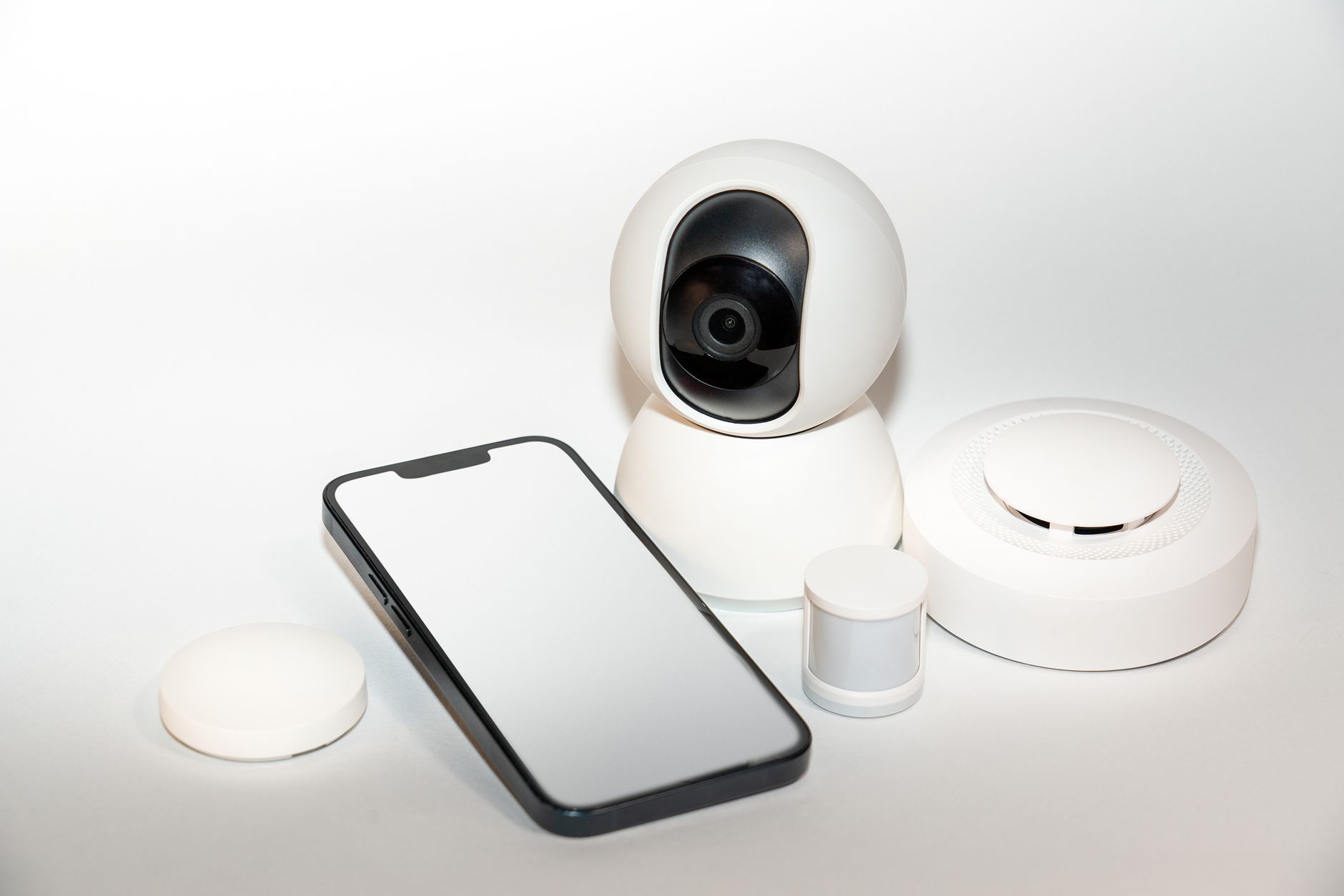
Alarm.com is a cloud-based platform that connects your security system, cameras, smart locks, and thermostats into one app, but it is sold only through authorized dealers — you cannot buy it directly. Expect to pay roughly $30 to $60 per month for professional monitoring that includes alarm.com service, on top of equipment and installation. The platform is identical no matter which dealer you choose; the real difference is the local company that installs, programs, and services it.
That last point is where most buyers get confused. People search for “alarm.com” expecting a company they can call, but it is a technology provider that works behind the scenes. Below we explain exactly how the platform works, what it costs, what it does and does not include, and how to pick the dealer who stands behind it.
What is alarm.com and how does it work?
Alarm.com is a cloud platform, not a security company. It is the software layer that ties together your alarm panel, cameras, sensors, locks, lights, and thermostats so you control everything from one mobile app. When a sensor trips, the panel communicates over a cellular connection to alarm.com’s servers, which relay the signal to a monitoring center and push an alert to your phone.
The platform is sold exclusively through a network of authorized dealers — independent, usually local, security companies that install the hardware and set up your account. You cannot subscribe to alarm.com on your own, and the company does not sell equipment to consumers. This dealer-only model is deliberate: it means a trained technician configures the system, and a real business handles service calls.
Key capabilities include live and recorded video, geo-fencing (arming automatically when you leave), smart locks, garage automation, and energy management. According to alarm.com’s own platform overview, the same app controls both the security functions and the smart-home automation, so you are not juggling separate apps for cameras and door locks.
How much does alarm.com monitoring cost?
Alarm.com monitoring typically runs $30 to $60 per month, but you never pay alarm.com directly — you pay the dealer, who bundles the platform fee into their monitoring plan. The price varies with which features you enable.
Typical monthly tiers
- Basic interactive ($30–$40): App control, arm/disarm, sensor alerts, cellular backup. No video.
- Video add-on ($10–$20 more): Live streaming, recorded clips, and cloud video storage for doorbells and cameras.
- Full automation ($50–$60): Everything above plus smart locks, lights, thermostats, and geo-services.
What drives the price up
More cameras mean more cloud storage, which raises the monthly fee. Commercial systems with access control cost more than a basic home package. Equipment is separate: a starter kit may be $300–$600, while a whole-home system with multiple cameras can reach $1,500 or more. Many dealers offer financing or $0-down options to spread that cost. For a broader comparison of monitoring pricing, SafeWise’s monitoring cost guide breaks down national averages.
Why do so many searches for alarm.com lead to dead ends?
Because alarm.com is a platform, not a storefront, people who search for it expecting to sign up, cancel service, or schedule a repair hit a wall. The company’s website explains the technology but routes everything through dealers. If you have a question about your bill, a camera that went offline, or adding a door sensor, alarm.com cannot help you directly — your dealer handles all of it.
This is the single most important thing to understand before you buy. The quality of your experience with alarm.com depends almost entirely on which dealer installed and maintains your system. Two homeowners can run the identical platform and have opposite experiences: one with a responsive local company that answers the phone, another with a national reseller that routes them through an offshore call center.
That is also why competitor pages and review sites rank for “alarm.com” — they are filling the gap left by a platform that does not sell to consumers. The useful answer is not “here is alarm.com,” it is “here is how to pick the dealer who makes alarm.com work for you.”
What features make alarm.com worth it?
Alarm.com is worth it when you want security and smart-home automation unified in one reliable app rather than a patchwork of consumer gadgets. The platform’s strengths are its depth and reliability compared to DIY ecosystems.
Standout features
- Crash-and-smash protection: If an intruder destroys the panel before it reports, the system has already signaled the monitoring center.
- Cellular-first communication: No reliance on home Wi-Fi or a landline, which can be cut or fail.
- Smart video analytics: Cameras can distinguish people, vehicles, and animals to cut false alerts.
- Geo-services: Reminds you to arm the system or automatically adjusts the thermostat based on your phone’s location.
- Scenes and automation: One tap to lock doors, arm the alarm, and turn off lights at bedtime.
Where it may not be worth it: if you only want a single video doorbell and nothing else, a standalone consumer camera is cheaper. Alarm.com shines when you want a true integrated system with professional monitoring behind it.
Is alarm.com better than DIY systems like Ring or SimpliSafe?
Alarm.com is better for buyers who want professional installation, deeper integration, and local support; DIY systems like Ring or SimpliSafe are better for renters and budget-focused users who want to self-install. They solve different problems.
DIY platforms are inexpensive up front and easy to set up yourself, but they lock you into one brand’s hardware and app, and support is remote only. Alarm.com works with a wide range of panels — Qolsys, 2GIG, and others — and ties in commercial-grade access control and fire systems that consumer kits cannot match. Consumer Reports’ home security buying guide is a good neutral resource for weighing professional versus DIY.
The trade-off is cost and commitment. DIY can be cheaper monthly, but you are your own technician. With alarm.com through a dealer, a professional handles installation, troubleshooting, and upgrades — valuable if a camera fails or you expand the system later.
Can you keep alarm.com if you switch security companies?
Yes — in many cases you can keep your existing alarm.com-compatible equipment and simply switch to a new dealer, a process called a system takeover. Because alarm.com is platform-neutral, a new authorized dealer can often reprogram your current panel and cameras to their monitoring account without ripping everything out.
When a takeover works
- Your panel is alarm.com-compatible (most Qolsys and 2GIG panels are).
- The equipment is in good working order.
- The new dealer is an authorized alarm.com provider.
When it does not
- Your current system uses a proprietary platform locked to one company.
- The hardware is too old to support current alarm.com firmware.
A takeover can save hundreds of dollars versus a full replacement, and it lets you escape a bad monitoring contract while keeping hardware you already paid for. Ask any prospective dealer whether they offer takeover service before assuming you need all-new equipment. Local companies that do takeovers will usually inspect your setup first and tell you honestly whether it is worth keeping.
What should you ask a local alarm.com dealer?
Ask about contracts, response times, and who answers the phone — these separate a good local dealer from a reseller. Since the platform is identical everywhere, the dealer’s service model is what you are really buying.
Questions worth asking
1. Is there a long-term contract, or is monitoring month-to-month? Flexibility matters if you move or change your mind.
2. Where is the monitoring center, and is it UL-listed? UL-listed, redundant centers mean faster, more reliable response.
3. Do you offer system takeover for existing equipment? This saves money if you are switching providers.
4. What financing is available? Look for $0-down options so a system fits your budget.
5. How fast can a technician come out for service? Local dealers respond faster than national chains.
One provider that fits this local-dealer model is Electronic Protection Systems, an authorized alarm.com dealer serving the Lafayette, Louisiana and Houston, Texas areas with 24/7 professional monitoring, no-contract options, and system-takeover service for existing equipment. Whichever dealer you choose, prioritize the one that answers the phone when something goes wrong.
Is alarm.com worth it for a business?
Yes — alarm.com is often a stronger fit for businesses than for homes because it combines intrusion, video surveillance, and access control on one platform that managers can monitor remotely. For commercial users, the ability to see who entered, when, and on live or recorded video from a single app is a genuine operational advantage.
Commercial strengths
- Access control: Issue and revoke employee door credentials remotely, with full entry logs.
- Video verification: Monitoring centers can confirm a real break-in before dispatching police, reducing false-alarm fines.
- Multi-site management: View several locations from one login — useful for owners with multiple stores or offices.
- Fire and life-safety integration: Tie smoke and fire alarms into the same monitored system.
The cost is higher than a residential package, but for a warehouse, retail store, or office the reduced risk and remote oversight usually justify it. As with homes, choose a dealer experienced in commercial installs — wiring, access-control hardware, and compliance are more complex than a basic home setup, and a local company that handles business systems will size everything correctly.